Smart Templates
Consistent and faster results with standardizable templates
Standardize recurring legal tasks with guided prompt templates using dynamic user input and knowledge sources.
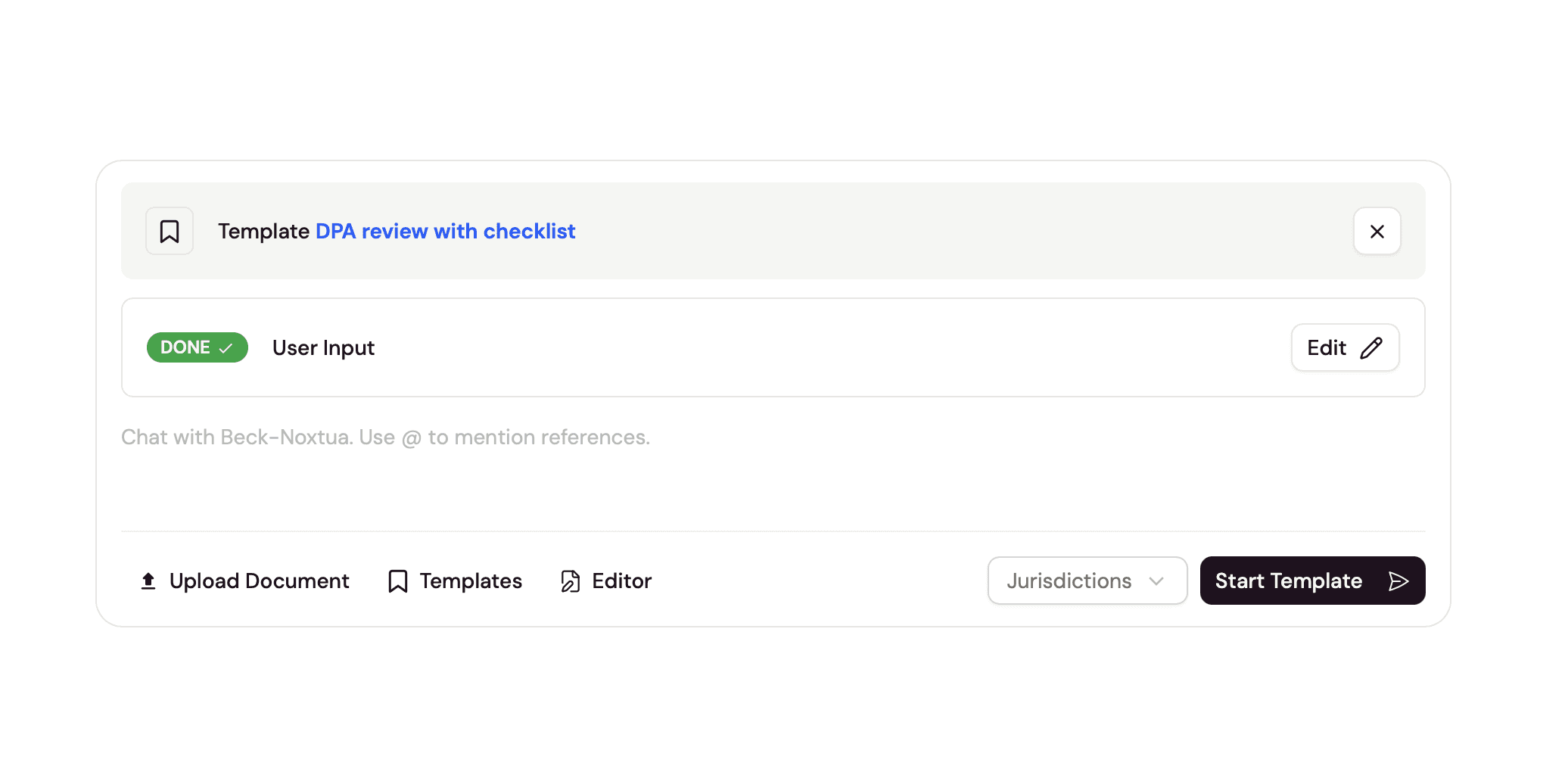
Legal teams rely on Noxtua for routine work such as document reviews, memo drafting, and legal research. But when every team member crafts and uses their own prompts, output quality varies and valuable time is lost.
Smart Templates lets legal teams handle recurring tasks at scale – with consistent quality and greater speed. In a redesigned experience, template managers can package proven prompts into protected, guided workflows, while template users get a turn-key solution to complete their work.
What's new for template managers:
Template editor: Design templates in a new interface with contextual user input to standardize Legal AI usage across your team.
User input: Define text fields or file upload fields that users fill in when running the template.
Knowledge sources: Embed reference documents such as checklists or review criteria, so Noxtua always has the right guidance at hand without users uploading them each time.
What's new for template users:
Template application: Select a template and it appears as a compact box above the chat field.
Guided input: Get prompted for the case-specific information needed before running the template.
Please note: Templates created before April 15, 2026 must be migrated to the new template experience by users with the template manager role.
Learn more about migrating existing and setting up new templates or how to use templates.