
You and your team may not all work in the same language. The In-app Language Selector lets you choose the Noxtua interface language, independent of your browser settings, giving international legal teams greater flexibility.
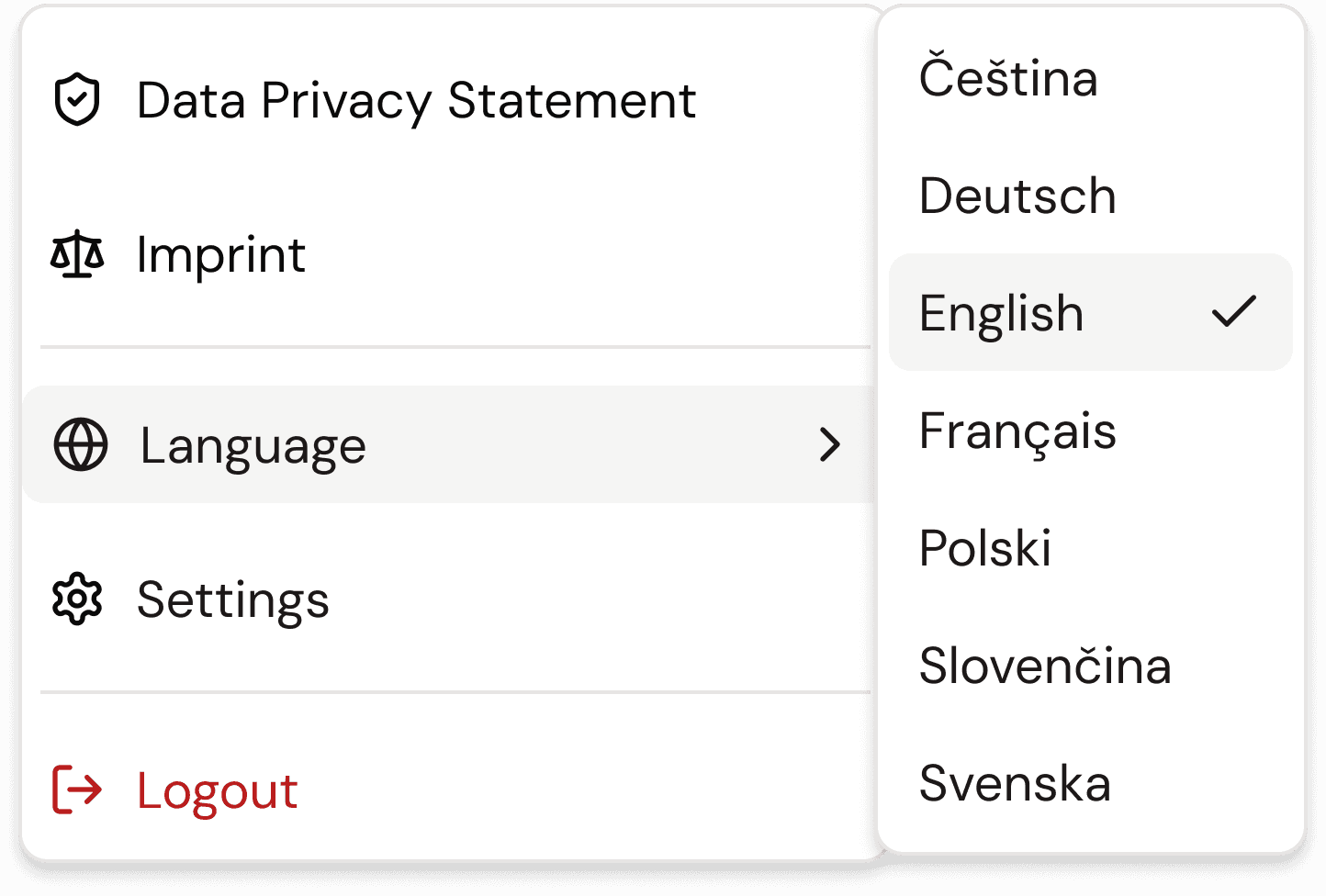
Noxtua shows the available interface languages, so you can select the one you want and change it whenever needed. Your selection applies across the entire app interface and remains in effect until you change it.
Set your interface language
Open your account menu in the web app.
Open the In-app Language Selector. (confirm exact label)
Select the language you want.
The interface updates to your selection right away.
Switch to a different language later
You can return to the In-app Language Selector at any time to choose another language. The change applies the same way.
Available languages
The available languages are listed in the selector.

Lina Hauschild