Setting up Single Sign-On
With Single Sign-On (SSO), Noxtua supports direct sign-in with existing login credentials for online publisher databases.

What is Single Sign-On?
Noxtua offers Single Sign-On (SSO) using the account of your subscribed publisher online database. Separate passwords or tenant IDs are no longer required. Roles and permissions are automatically applied and based on the setup within your publisher's database.
How do you get access to Noxtua?
Open https://app.noxtua.com/, select your jurisdiction-specific provider, then click ‘Submit’.
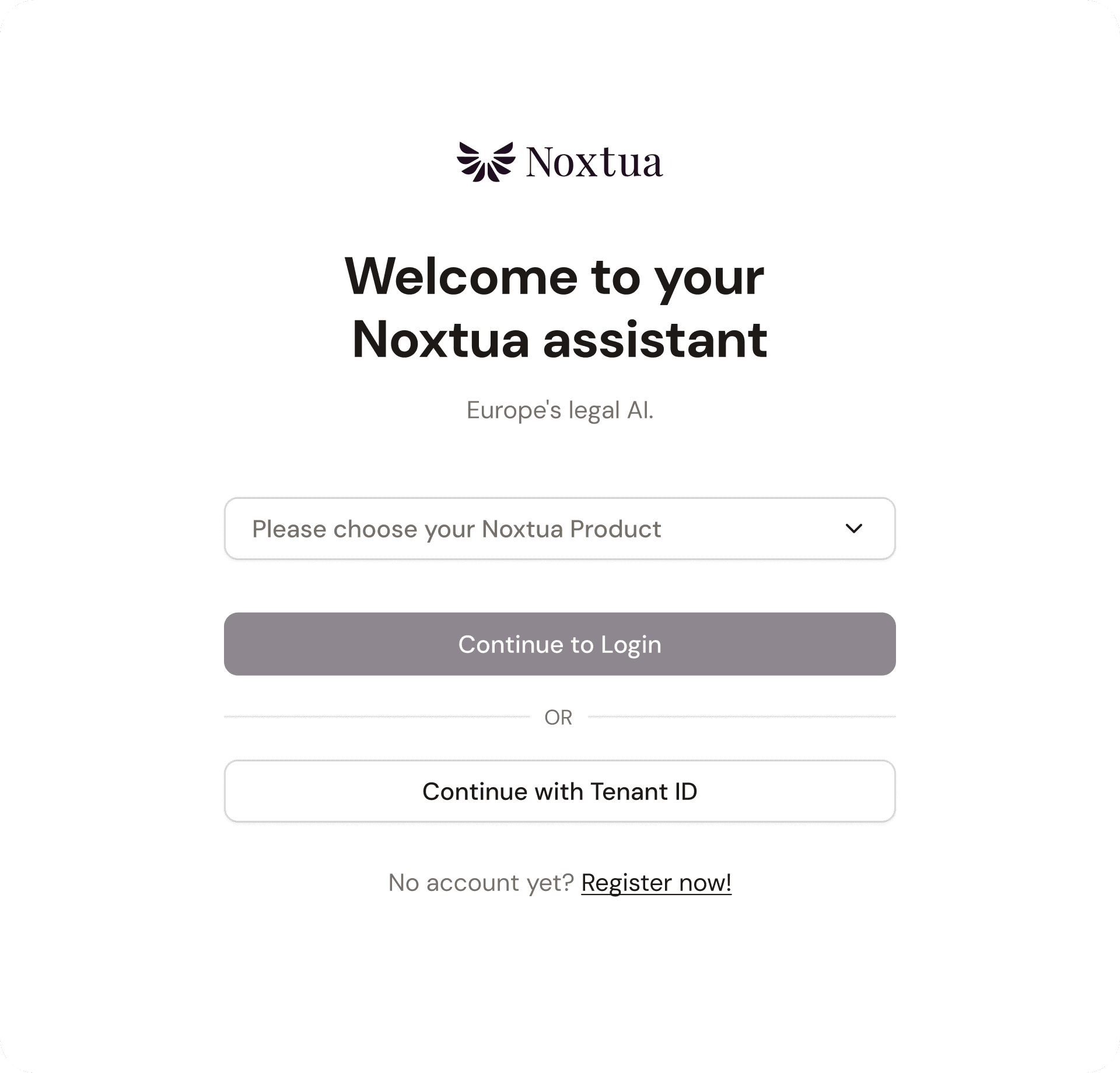
You will be automatically redirected to the login page of the respective publisher database, where you can use your existing login credentials.
The example below shows the login via beck-online.de for the German market.
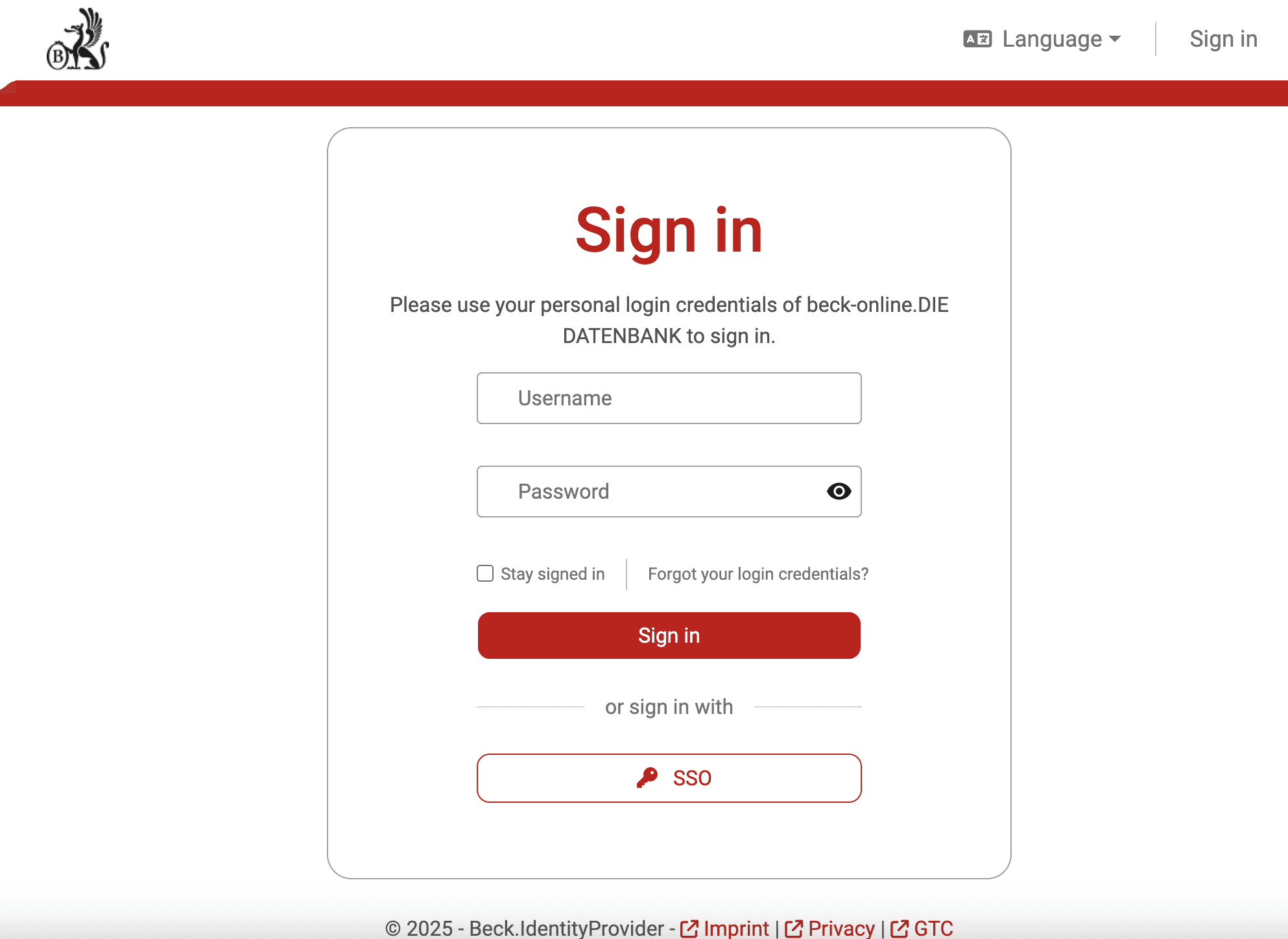
After you log in successfully, you will be redirected to Noxtua.
Automatic role assignment
Roles and permissions from the publisher’s database are automatically mirrored in Noxtua:
Administrators retain their template admin role.
Standard users retain their assigned standard role.
No manual assignments or adjustments are required. Therefore, the permission model remains consistent at all times.
Benefits of Single Sign-On
Access Noxtua exclusively with your existing login credentials
No additional credentials or tenant IDs required
Automatic transfer of all roles and permissions
No manual setup or support contact required
Additional information
Visit https://app.noxtua.com/ at any time to check whether your account has been activated for SSO. For any questions about license management or activation, please contact your customer support representative.

Petra Zatkova
Table of contents
Czechia (CS)
Switzerland (FR)
Slovakia (SK)
International (EN)