Role Management and Organizational Settings in Beck-Noxtua
How to independently assign access rights in the admin area, revoke them as needed, and configure organizational settings

ⓘ The availability and configuration of role management may vary depending on the Noxtua product and publisher database you are subscribed to.
Who can use role management and organizational settings?
Role management and organizational settings are available exclusively to users who have the Account Admin (“self-admin”) role in beck-online. Only such an admin can grant or revoke access rights in Beck-Noxtua or configure organizational settings.
How do role management and organizational settings work for multiple organizational units?
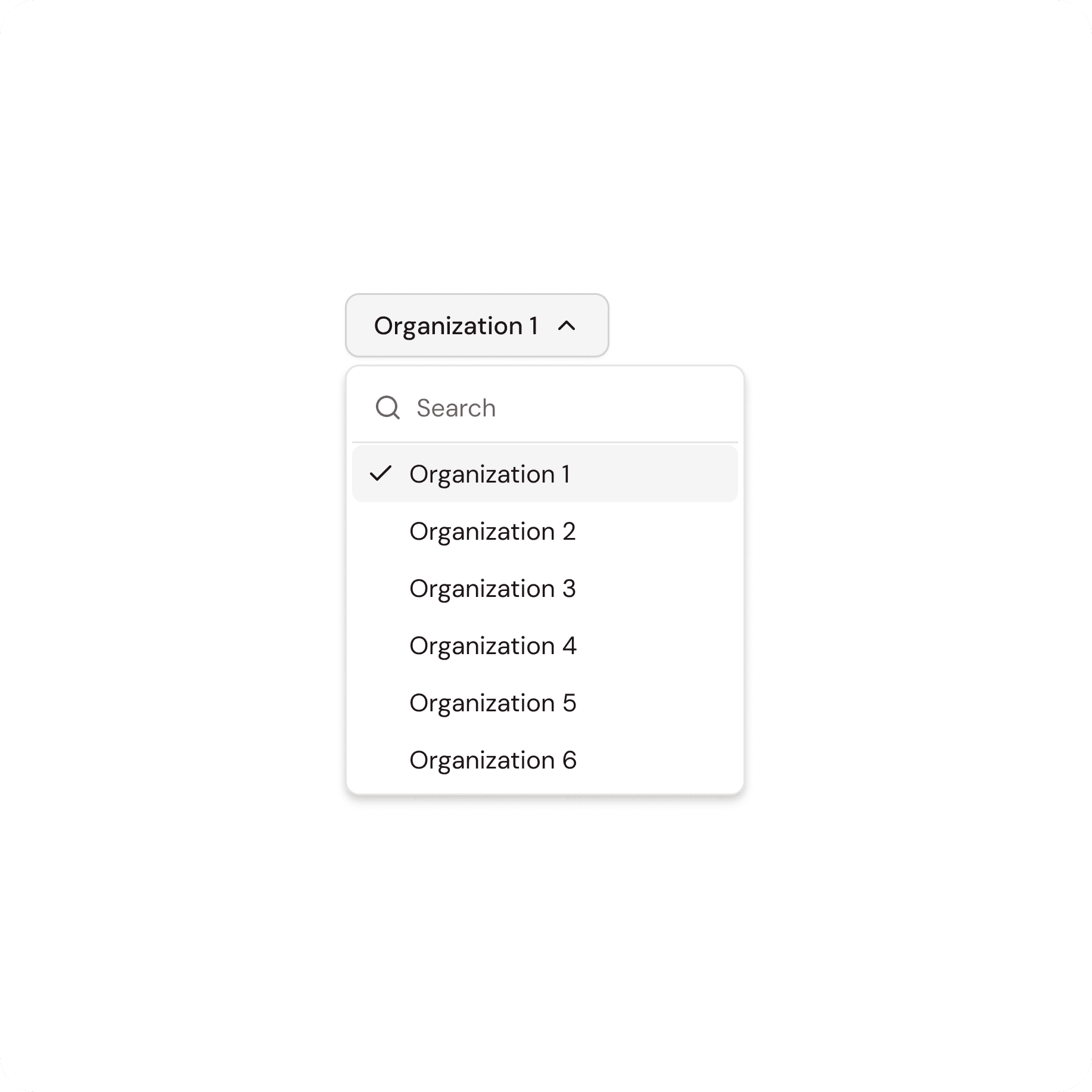
If your company has multiple organizational units set up in beck-online—such as departments, locations, or subsidiaries—Account Admins will see this structure reflected in Beck-Noxtua. By selecting the appropriate unit, you can view the assigned users and manage their access rights. Under “Organization settings,” a Self-admin can configure settings for the individual organizational units and customize each one individually.
What is the Template Manager role?
The Template Manager role allows you to edit, delete, and create new templates for the entire organization. Without this role, you can only apply existing templates. In this article, you’ll learn everything about templates.
Step-by-step Guide
Open Beck-Noxtua and log in.
In the left pane of the dashboard, go to the “Account” section.
Select “Settings.”
In the settings, you’ll find the role management section. If there are multiple organizational units, first select the appropriate one from the top menu. To activate the Template Manager role, locate the desired profile and check the corresponding box to enable the Template Manager role.
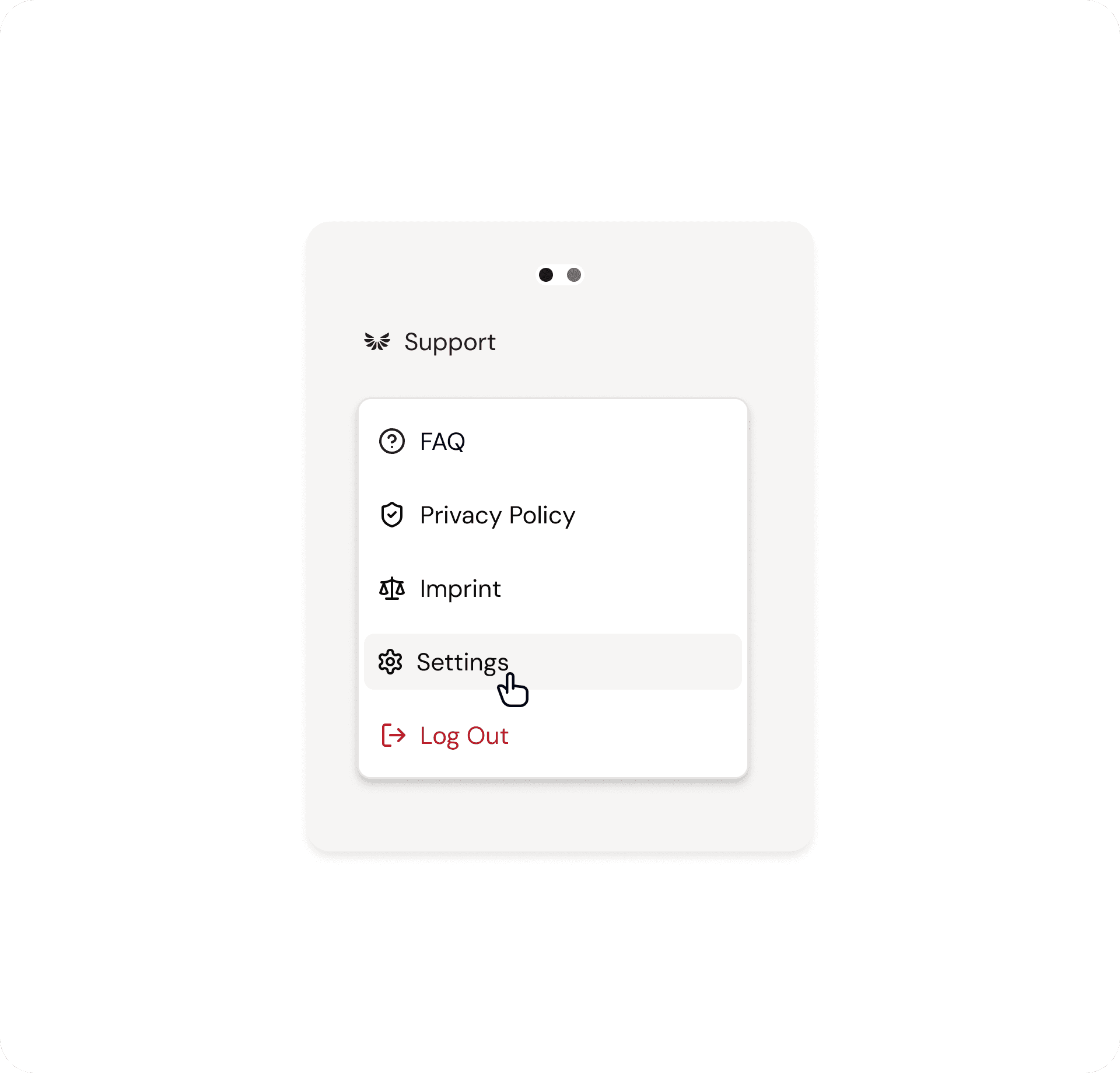
Once you’ve made your changes, the access rights will be updated automatically.
You’ll also find the organizational settings in the Settings menu. Select the appropriate organizational unit from the top menu. Here, you can now enable or disable the desired setting for the selected organizational unit.
If you’d like to use this feature, please contact your customer support team. They will set up at least one administrator permission for your organization.

Petra Zatkova
Table of contents
Germany (DE)