Role management
Learn how admin users can independently assign and revoke access rights from users within an organisation.
ⓘ The availability and configuration of role management may vary depending on the Noxtua product and publisher database you are subscribed to.
Who can use role management?
Role management is available only to users who hold an admin role in the respective publisher database (e.g. beck‑online in Germany) that is connected to Noxtua. Only the account admin can grant or revoke access rights in Noxtua.
How does role management work for multiple organizational units?
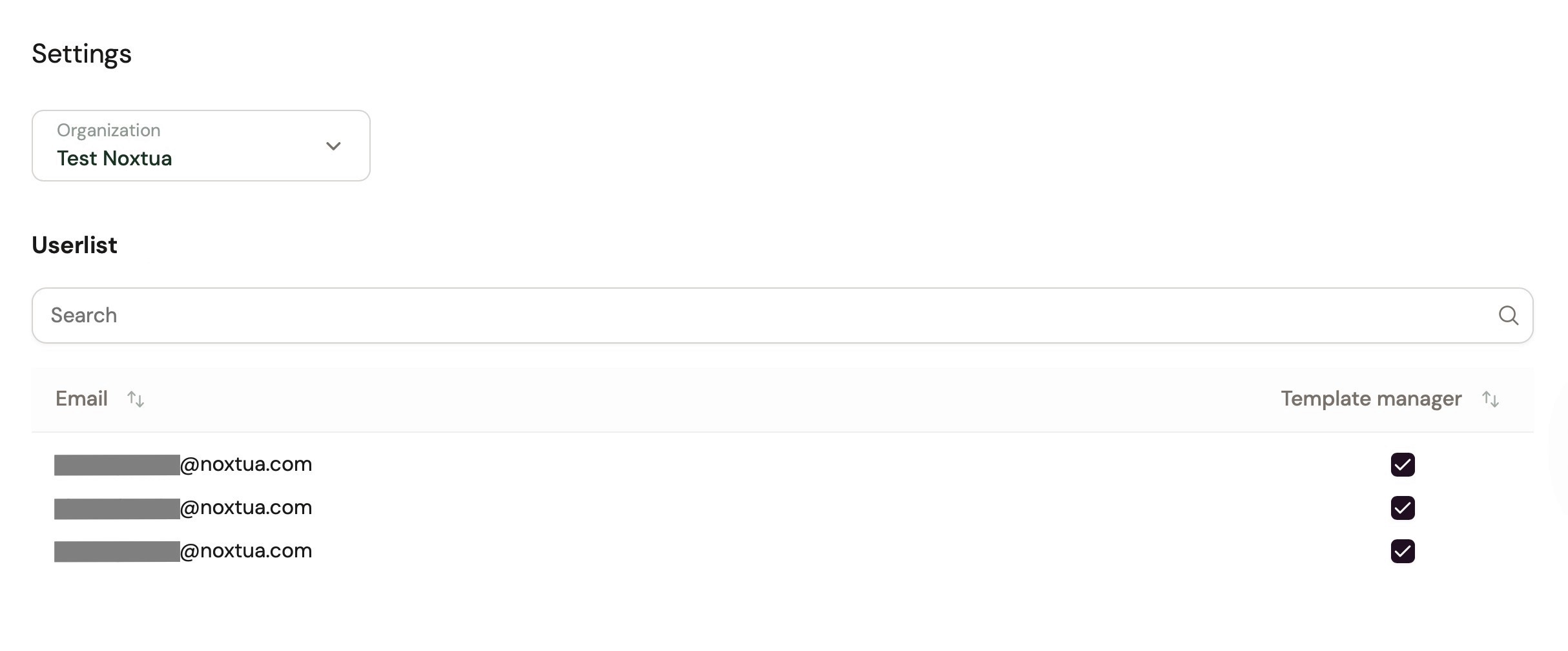
If multiple organizational units have been set up for your organization in your publisher platform – such as departments, locations, or subsidiaries – account admins will find the same structure reflected in Noxtua. Simply select the relevant unit to view its assigned users and manage their access rights.
What is the Template Manager Role?
Users with the Template Manager Role can edit and delete the organization’s existing templates or create new ones for the entire organization. Users without this role can only use existing templates.
If you want to learn more about the templates, please visit this article.
Step-by-step guide
Open Noxtua and sign in.
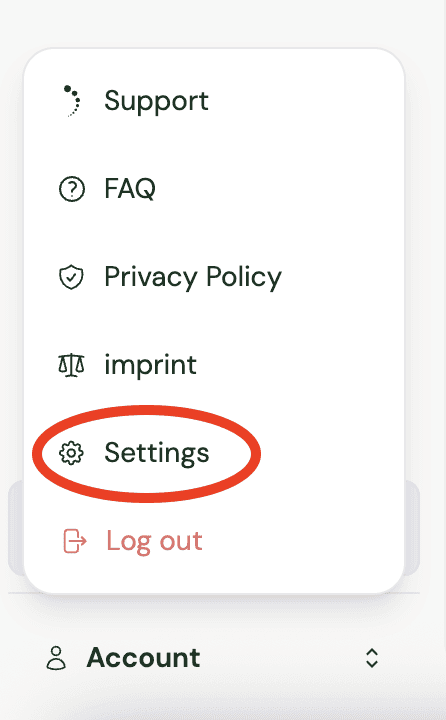
In the left area of the interface, go to the “Account” section.
Choose Settings.
Here you will find the role management. If multiple organizations exist, select the right one from the drop-down at the top. Then find the respective user in the user list and activate or deactivate the Template Manager Role by (un)checking the box.
Once this permission has been granted, access rights will be updated automatically.
If you would like to enable this functionality, please contact your customer support to ensure that at least one user in your organization is set up with the required administrator permissions.
If you would like to enable this functionality, please contact your customer support advisor. They will ensure that at least one user in your organization is set up with the required administrator permissions.

Petra Zatkova