Setting up single-sign-on via beck-online
With Single Sign‑On (SSO), Beck‑Noxtua now supports direct sign‑in using existing beck‑online accounts. Customers who get their Beck‑Noxtua licenses through beck‑online can sign in to Beck‑Noxtua without separate credentials or tenant IDs.
What is Single-Sign-On?
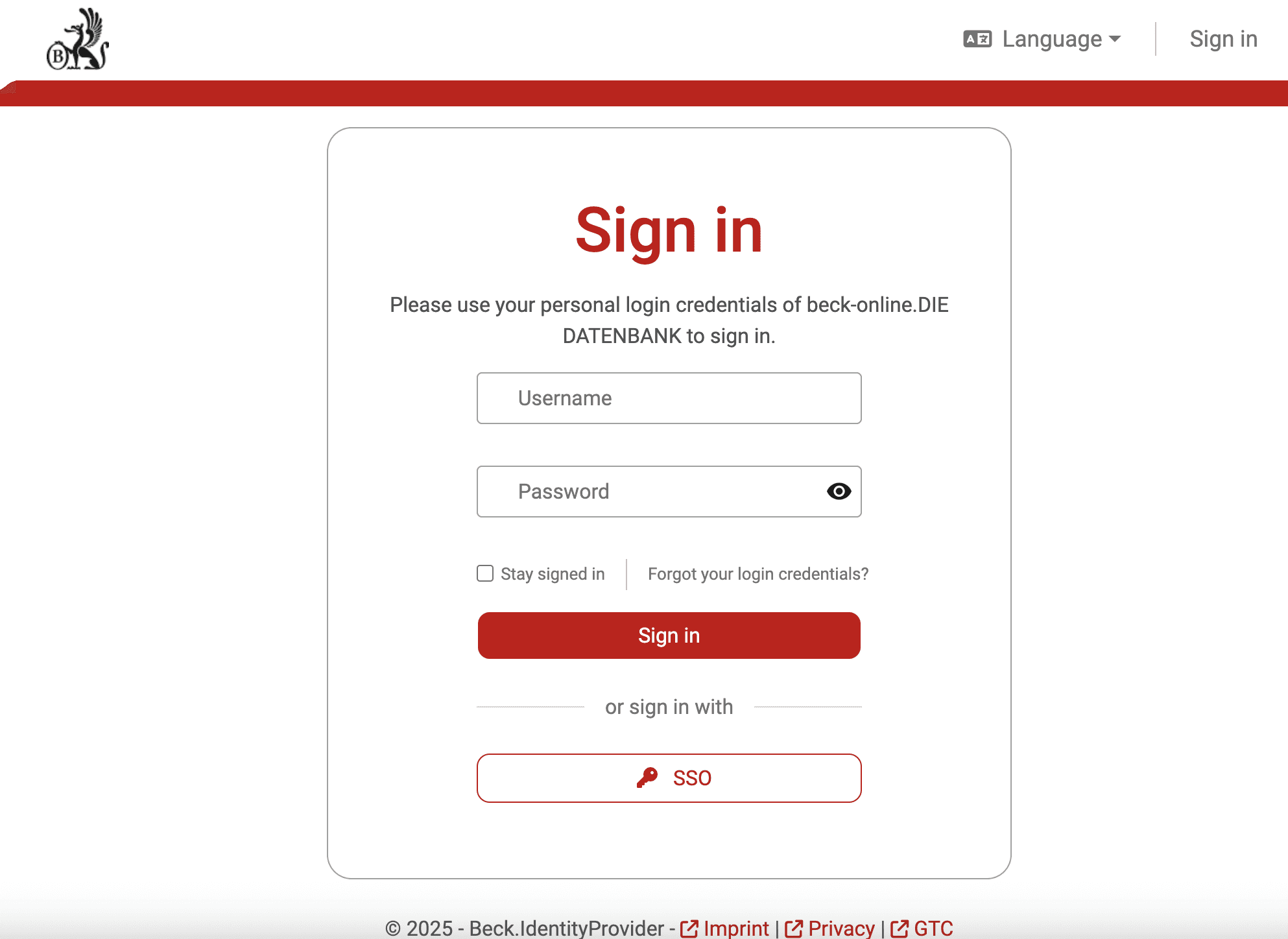
Beck‑Noxtua offers SSO via beck‑online. Users sign in to Beck‑Noxtua with their existing beck‑online credentials. Separate passwords or tenant IDs are no longer required. Roles and permissions are automatically applied and are fully based on the beck‑online license management.
How do you get access to Beck-Noxtua?
Open the page app.noxtua.com/beck and choose the sign‑in method “beck‑online” at the bottom of the page.
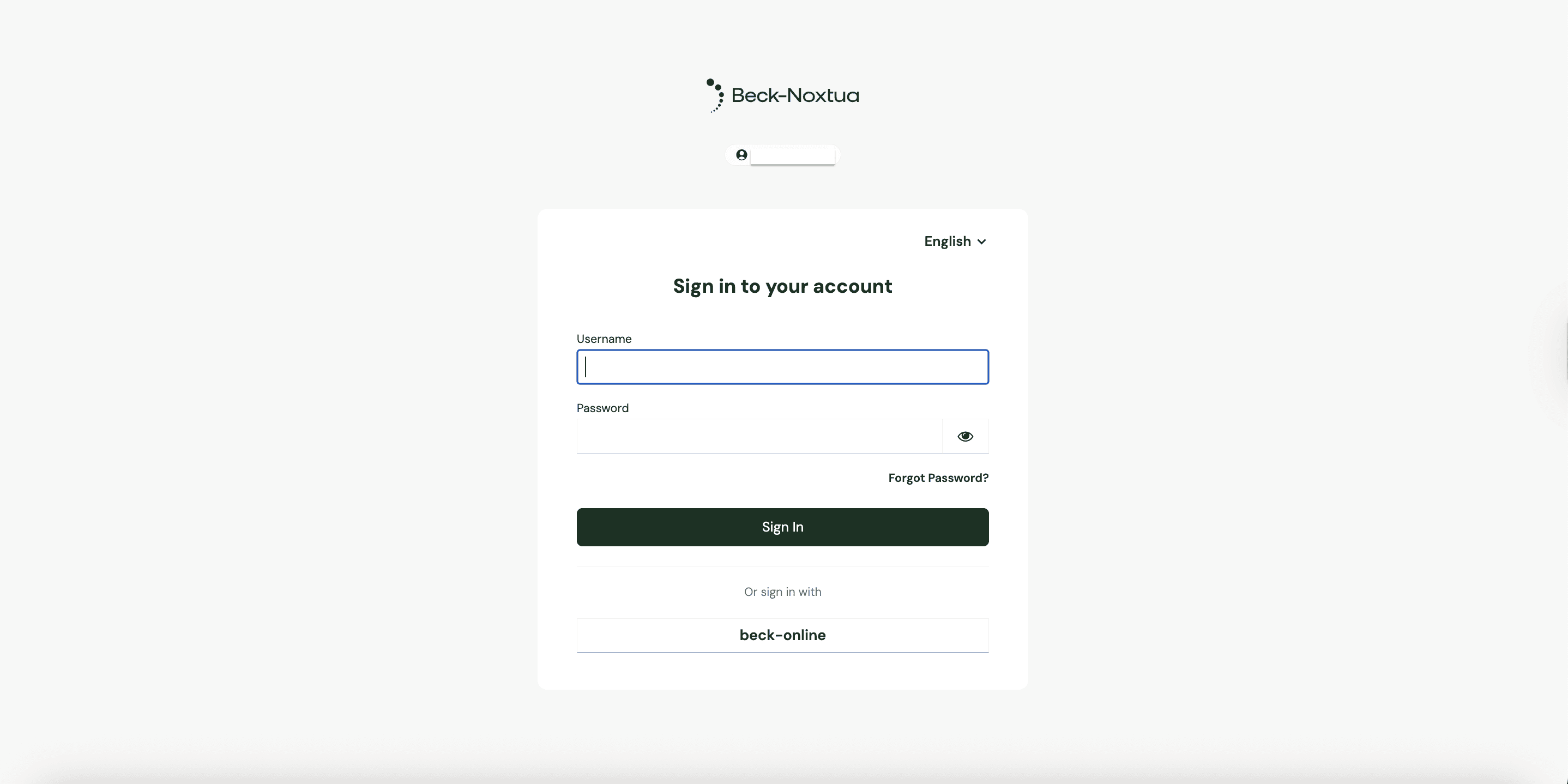
You will be redirected automatically to the beck‑online login page.
Agree to any legal documents shown there (if prompted), then sign in using your usual beck‑online credentials.
After a successful login you will be redirected to your Beck‑Noxtua profile. A separate Beck‑Noxtua account does not need to be created manually.
Automatic role assignment
Roles and permissions from beck‑online are mirrored automatically in Beck‑Noxtua:
Administrators keep their template admin role.
Standard users keep their assigned standard role.
No manual assignment or adjustments are required. The permission model therefore remains consistent at all times.
Benefits of the Single-Sign-On
Access Noxtua exclusively via your existing beck‑online account
No additional credentials or tenant IDs required
Automatic transfer of all roles and permissions
No manual setup or support contact needed
Further information
You can check at any time on app.noxtua.com/beck whether your account is already activated for SSO. If you have questions about license management or activation, your customer support representative is always available to assist.

Petra Zatkova